Features

Call Forwarding
Route calls to any device, anywhere, ensuring you never miss an opportunity.

SMS Marketing
Send personalized texts, automate campaigns, and engage customers.

Call Analytics
Track, analyze, and optimize every call to understand what drives results.

Desktop & Mobile App
Make and receive calls from anywhere with our cloud-based phone system.
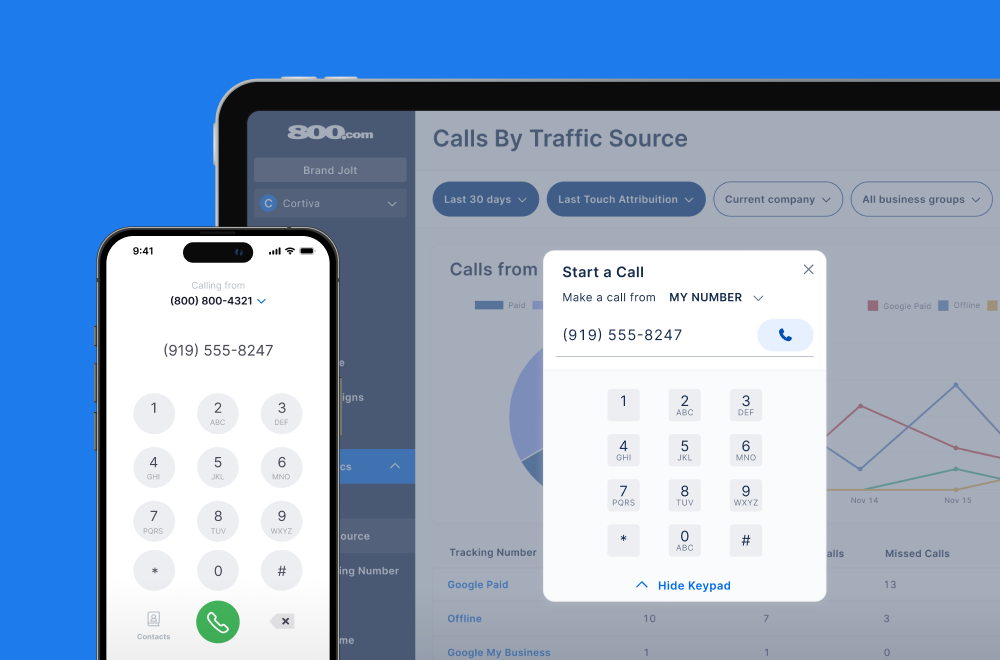
Call Forwarding and VoIP
Make and receive calls from anywhere with our cloud-based phone system.

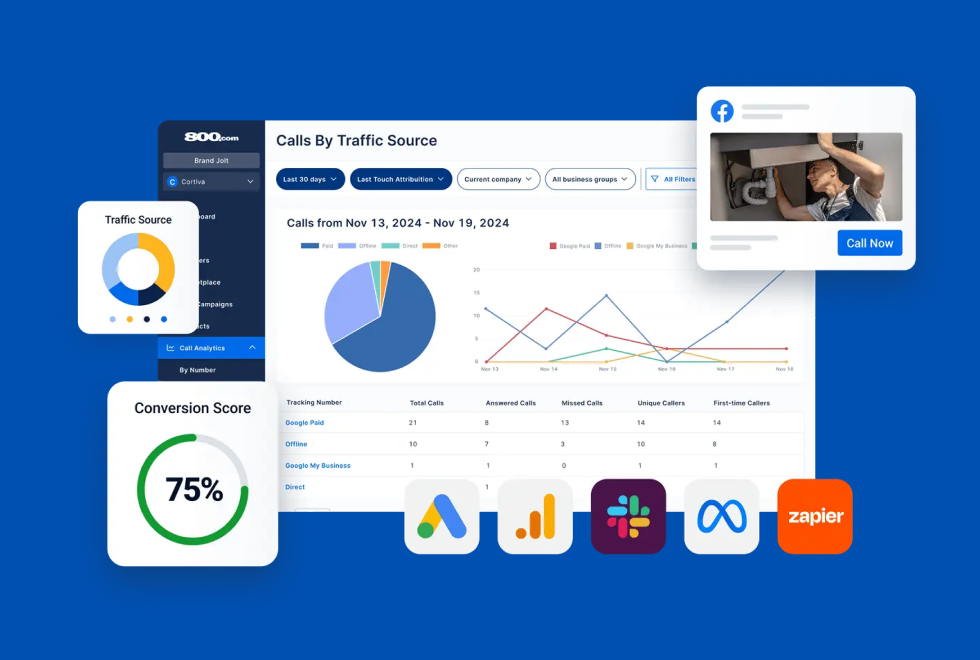
Call Tracking
Track, analyze, and optimize every call to understand what drives results.
Call Forwarding and VoIP
Make and receive calls from anywhere with our cloud-based phone system.
Call Tracking
Track, analyze, and optimize every call to understand what drives results.

AI Agents
Automate customer interactions with AI-powered virtual assistants.

800 Intelligence™
Turn every call into summaries, scores, and AI-recommended follow-ups.

Enhanced Caller ID
Know who is calling as your business phone is ringing.
By Industry

Swap in tracking numbers automatically on your WordPress site to see which channels are actually making the phone ring
WordPress powers a huge share of the web, from small business brochure sites to large content operations. Most of those sites publish a phone number — and most have no idea which visitors are calling it or where those visitors came from. The 800.com plugin closes that gap with Dynamic Number Insertion, replacing the number on the page with a tracking number matched to each visitor’s traffic source.
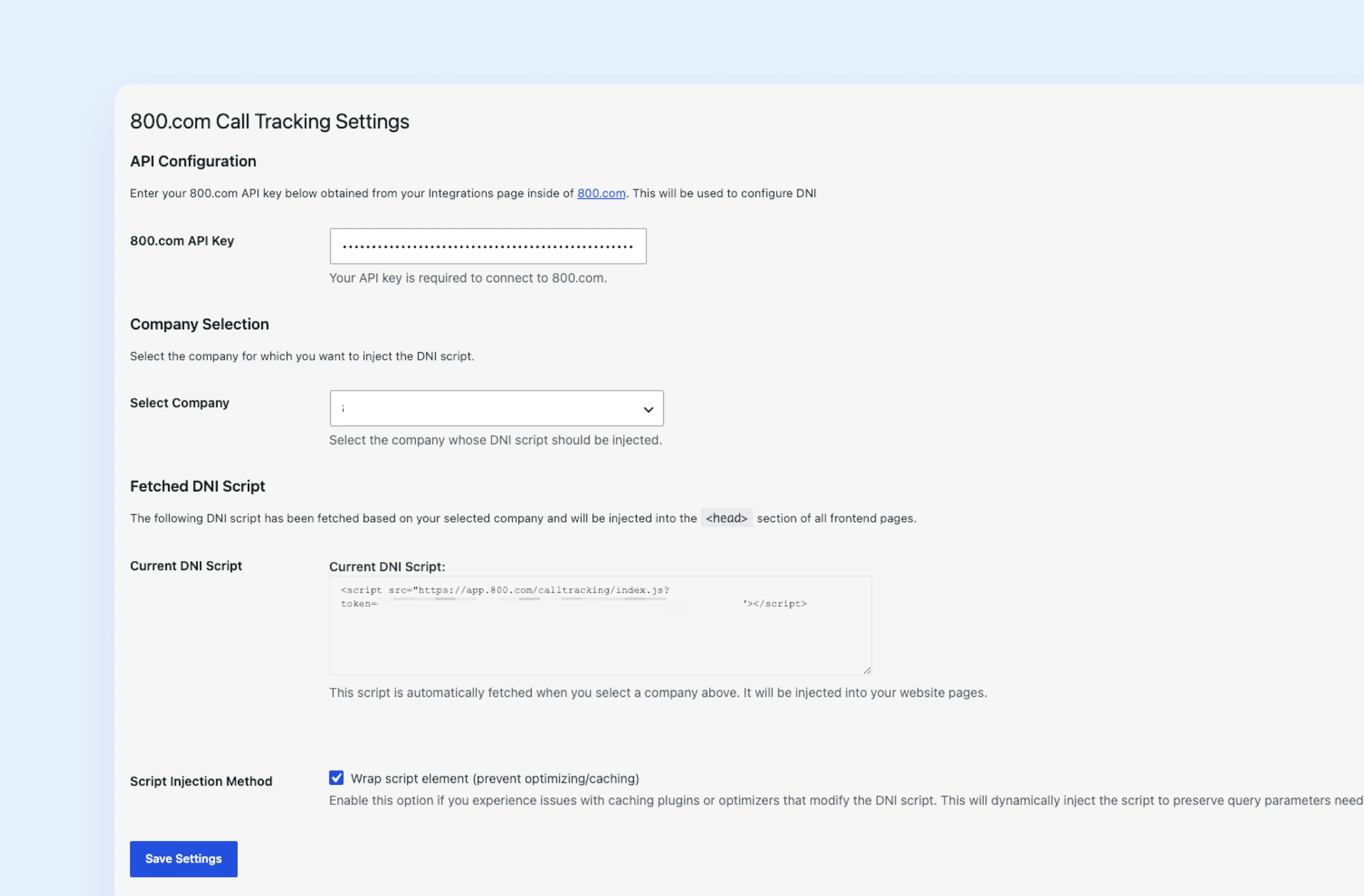
800.com brings call tracking to WordPress through the official plugin, which inserts the tracking script for you — no developer required. Dynamic Number Insertion then changes the number displayed on your site based on how each visitor arrived, so every call is credited to the channel that produced it. Call volume, duration, and source all report back in your 800.com dashboard, and you can pass call events to Google Analytics to see phone conversions next to your form conversions.
1. Get set up in 800.com
2. Install 800.com plugin on your WordPress site
3. Turn on Dynamic Number Insertion
4. Test and optimize


Find the perfect local, toll free, or vanity business number