Features

Call Forwarding
Route calls to any device, anywhere, ensuring you never miss an opportunity.

SMS Marketing
Send personalized texts, automate campaigns, and engage customers.

Call Analytics
Track, analyze, and optimize every call to understand what drives results.

Desktop & Mobile App
Make and receive calls from anywhere with our cloud-based phone system.
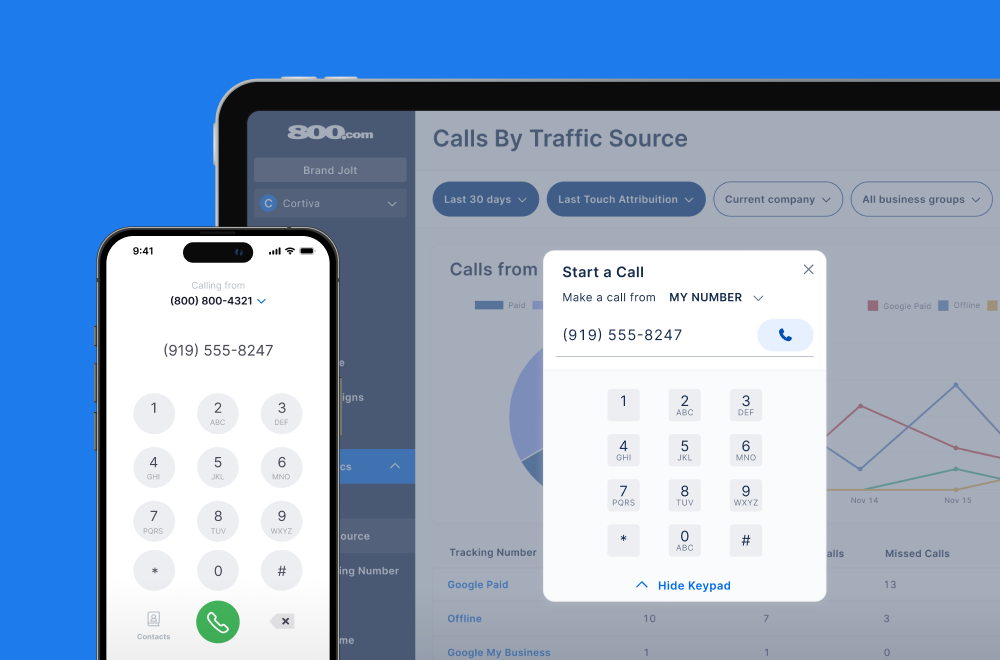
Call Forwarding and VoIP
Make and receive calls from anywhere with our cloud-based phone system.

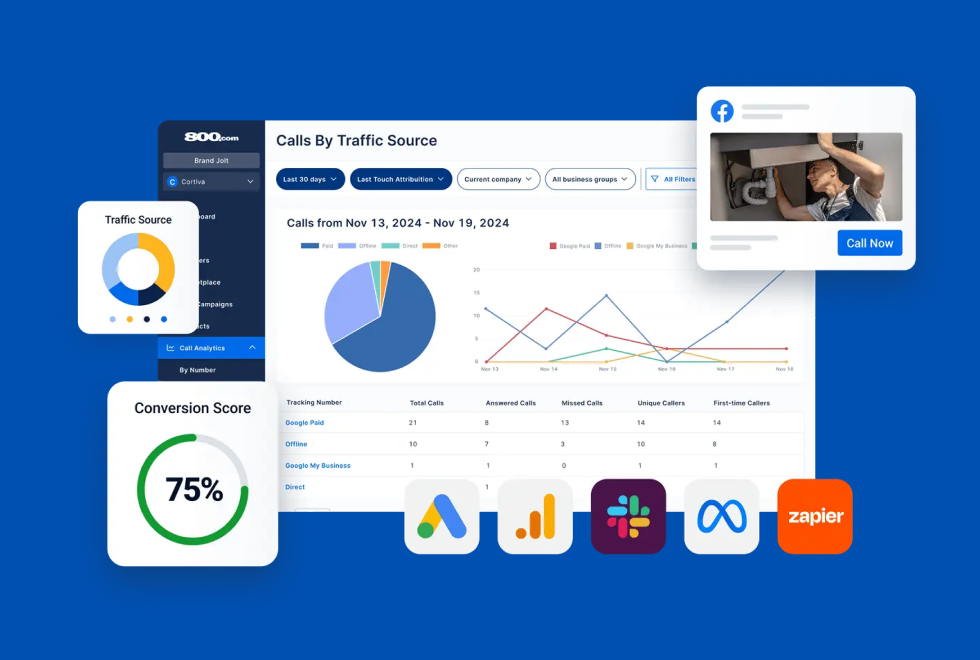
Call Tracking
Track, analyze, and optimize every call to understand what drives results.
Call Forwarding and VoIP
Make and receive calls from anywhere with our cloud-based phone system.
Call Tracking
Track, analyze, and optimize every call to understand what drives results.

AI Agents
Automate customer interactions with AI-powered virtual assistants.

800 Intelligence™
Turn every call into summaries, scores, and AI-recommended follow-ups.

Enhanced Caller ID
Know who is calling as your business phone is ringing.
By Industry

Connect 800.com with thousands of apps using Zapier to automate your call tracking workflows
Zapier is an automation platform that connects over 6,000 apps so they can work together without custom code. By building "Zaps", automated workflows triggered by events, you can pass data between systems, streamline manual processes, and reduce the need for repetitive tasks. For teams using 800.com, Zapier provides a no-code method to sync call activity with CRMs, email tools, reporting systems, and more.
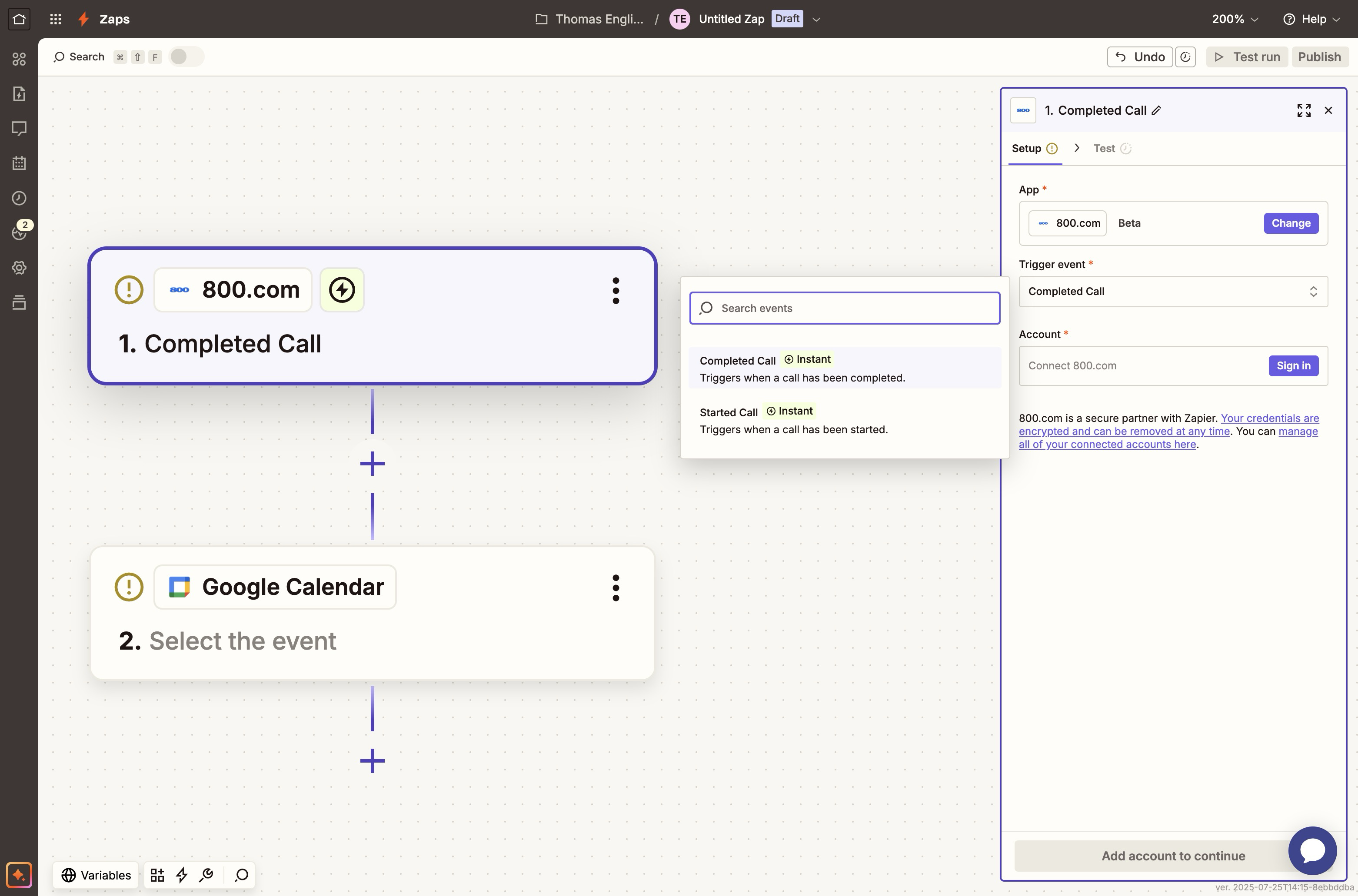
The Zapier integration with 800.com allows your business to automatically route call data to the apps your team already uses. When a call is placed, answered, missed, or tagged, Zapier can trigger actions such as creating a CRM record, sending a Slack alert, logging the call in a spreadsheet, or updating a campaign report. This gives your team immediate visibility into call activity and allows you to build automated systems that respond to leads and customer interactions without delay. You can connect 800.com to platforms like Salesforce, HubSpot, Google Sheets, Airtable, Mailchimp, and thousands more to unify your voice data with the rest of your marketing and operations stack.
1. Log into your 800.com account and go to Settings
2. Set up your trigger
3. Choose an Action App
4. Map Fields and Activate the Zap


Find the perfect local, toll free, or vanity business number