Features

Call Forwarding
Route calls to any device, anywhere, ensuring you never miss an opportunity.

SMS Marketing
Send personalized texts, automate campaigns, and engage customers.

Call Analytics
Track, analyze, and optimize every call to understand what drives results.

Desktop & Mobile App
Make and receive calls from anywhere with our cloud-based phone system.
Call Forwarding and VoIP
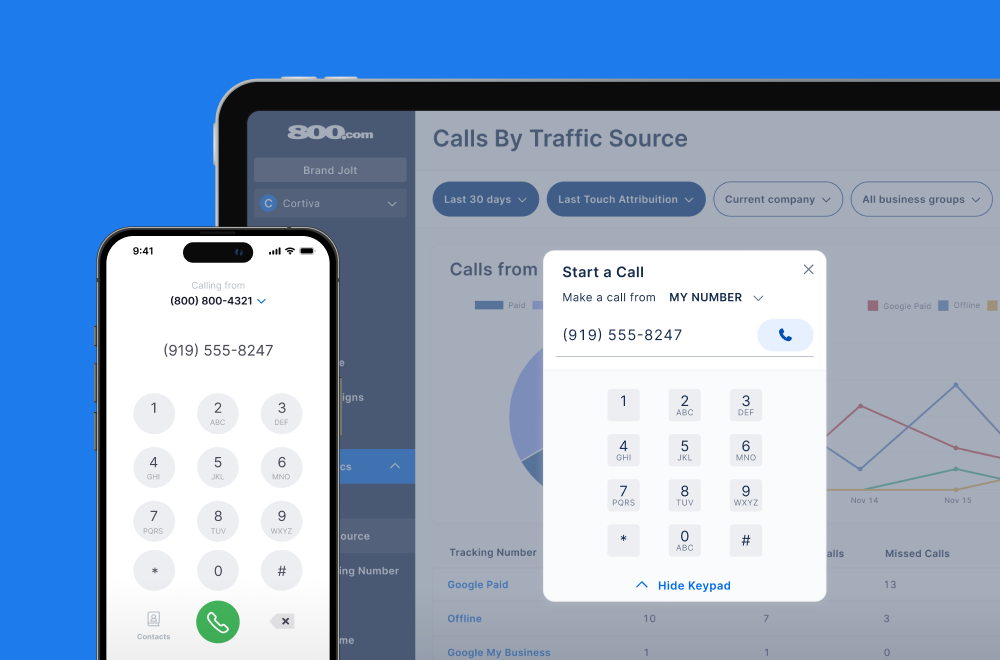
Make and receive calls from anywhere with our cloud-based phone system.

Call Tracking
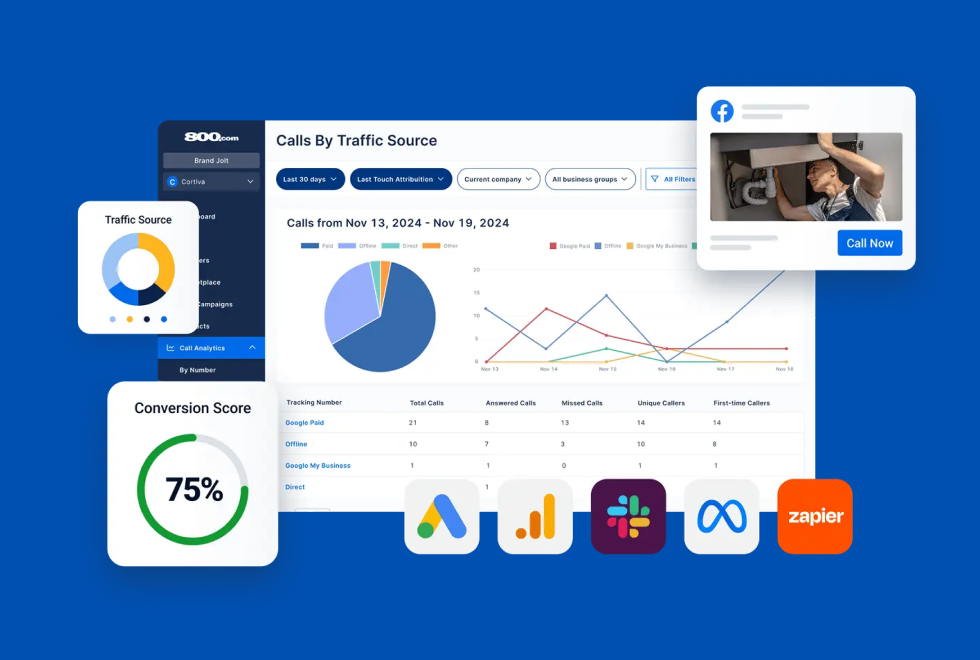
Track, analyze, and optimize every call to understand what drives results.
Call Forwarding and VoIP
Make and receive calls from anywhere with our cloud-based phone system.
Call Tracking
Track, analyze, and optimize every call to understand what drives results.

AI Agents
Automate customer interactions with AI-powered virtual assistants.

800 Intelligence™
Turn every call into summaries, scores, and AI-recommended follow-ups.

Enhanced Caller ID
Know who is calling as your business phone is ringing.
By Industry
Track calls from your paid search campaigns and tie them directly to keywords, ads, and conversions
Google Ads is Google's advertising platform that allows businesses to reach potential customers through search, display, YouTube, and map-based ads. When phone calls are a key conversion path, it's critical to understand which keywords and campaigns are driving those calls.
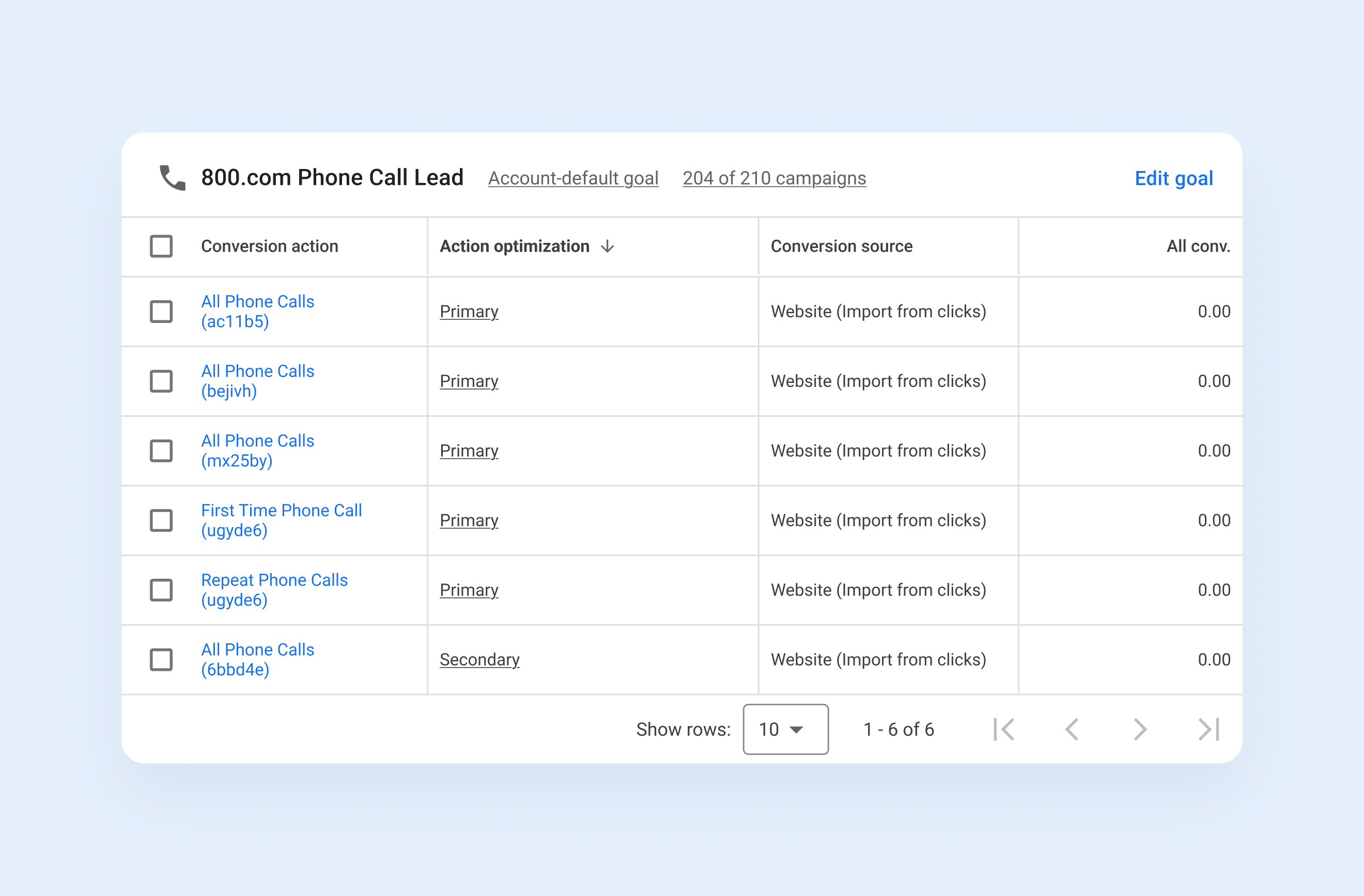
Integrating Google Ads with 800.com allows your team to track inbound calls back to the exact keyword, ad group, and campaign that generated them. Using dynamic number insertion (DNI) and URL-based tracking templates, 800.com swaps phone numbers in real time based on visitor data. The result is precise offline conversion tracking, improved lead attribution, and deeper insights into ad performance across all campaigns.
1. Go to Settings → Integrations in your 800.com account
2. Find Google Ads in the Integrations Library
3. Sign in with your Google account and grant permissions
4. Select the Google Ads account you want to connect
5. Choose which call events to track as conversions
6. Click Activate Integration
7. Verify the integration to confirm conversions are sending correctly


Find the perfect local, toll free, or vanity business number