Features

Call Forwarding
Route calls to any device, anywhere, ensuring you never miss an opportunity.

SMS Marketing
Send personalized texts, automate campaigns, and engage customers.

Call Analytics
Track, analyze, and optimize every call to understand what drives results.

Desktop & Mobile App
Make and receive calls from anywhere with our cloud-based phone system.
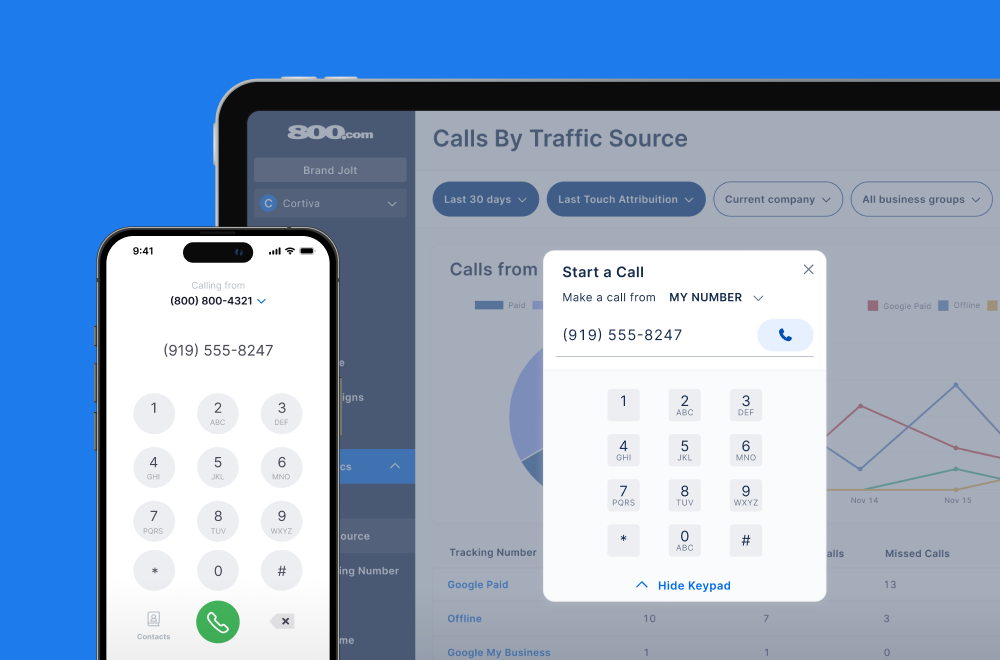
Call Forwarding and VoIP
Make and receive calls from anywhere with our cloud-based phone system.

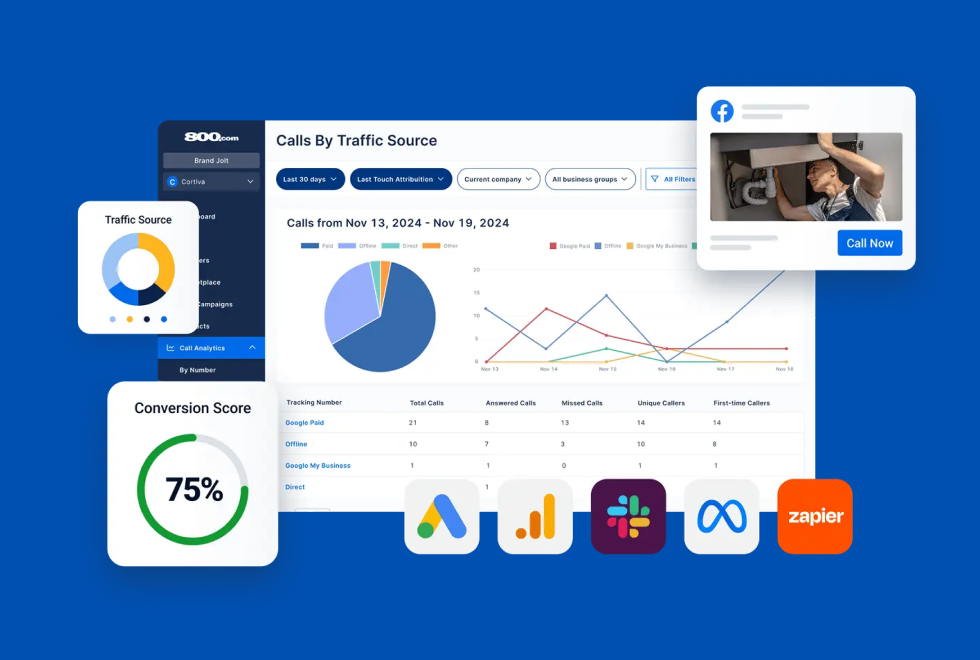
Call Tracking
Track, analyze, and optimize every call to understand what drives results.
Call Forwarding and VoIP
Make and receive calls from anywhere with our cloud-based phone system.
Call Tracking
Track, analyze, and optimize every call to understand what drives results.

AI Agents
Automate customer interactions with AI-powered virtual assistants.

800 Intelligence™
Turn every call into summaries, scores, and AI-recommended follow-ups.

Enhanced Caller ID
Know who is calling as your business phone is ringing.
By Industry

Design custom call tracking workflows by connecting 800.com to hundreds of apps through Make's visual automation builder
Make is a no-code workflow automation platform that allows you to visually design, build, and run multi-step workflows between your apps and services. It supports advanced logic, filters, branching, and scheduling options that help automate complex tasks. With Make, 800.com users can build flexible, event-driven workflows that react to incoming calls, SMS, and voicemail activity.
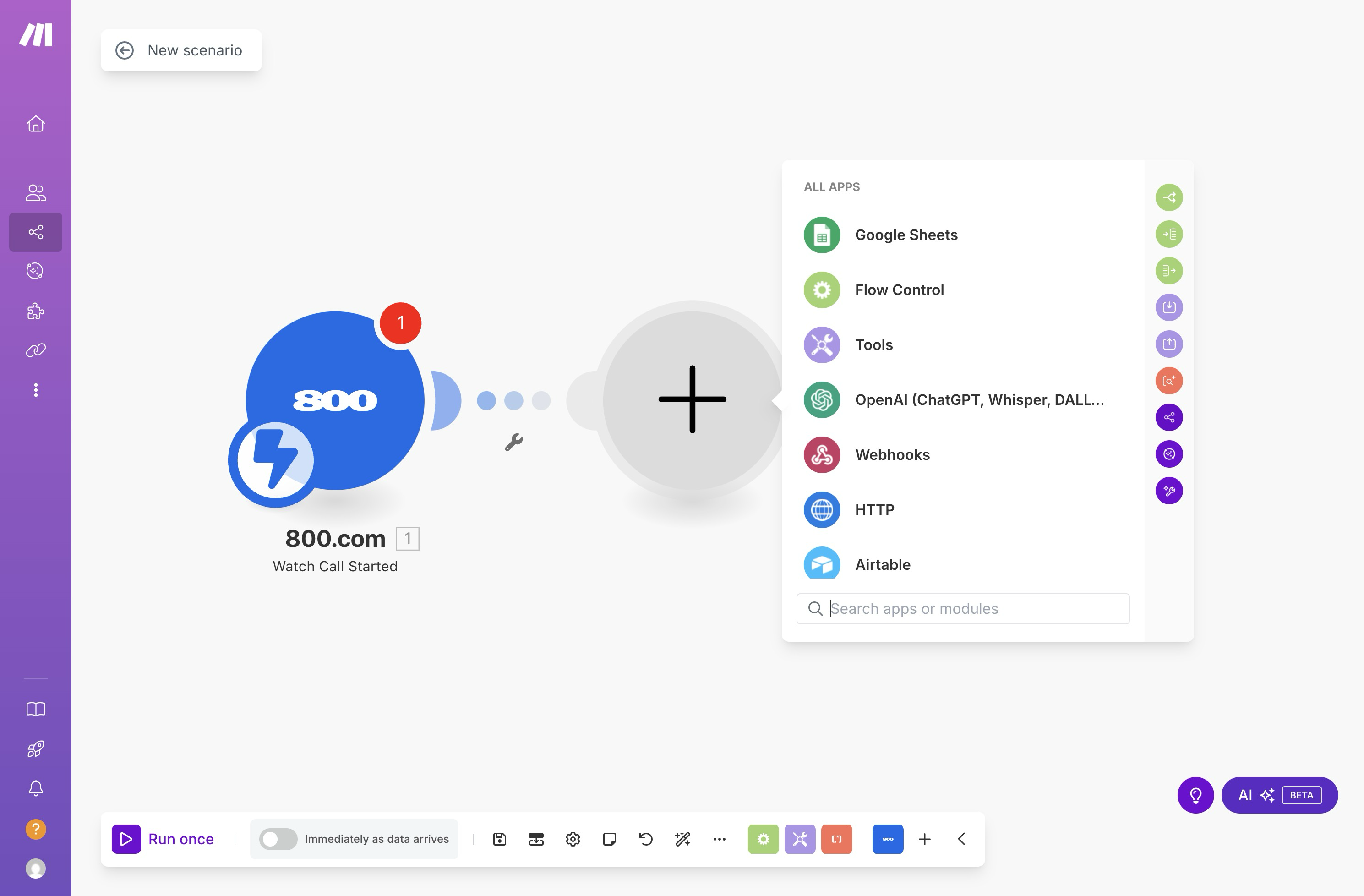
The 800.com integration on Make enables you to connect your phone call data with other systems in your business—such as CRMs, spreadsheets, support tools, and messaging platforms. While currently supported as a community app, 800.com can be used in Make scenarios to send or process call-related data automatically. For example, when a call is completed or tagged in 800.com, a Make scenario could create a contact in your CRM, notify your sales team in Slack, and update a lead tracker in Airtable. This type of integration helps eliminate manual updates and creates a more responsive customer engagement workflow.
1. Log into your 800.com account and go to Settings
2. Navigate to the Integrations sections
3. Find Make in the Integrations Library
4. Enable the integration and generate an API key if prompted
5. In Make, create a new scenario and connect your 800.com account.
6. Select triggers (such as new calls or contacts) and define actions.
7. Activate your scenario


Find the perfect local, toll free, or vanity business number