Features

Call Forwarding
Route calls to any device, anywhere, ensuring you never miss an opportunity.

SMS Marketing
Send personalized texts, automate campaigns, and engage customers.

Call Analytics
Track, analyze, and optimize every call to understand what drives results.

Desktop & Mobile App
Make and receive calls from anywhere with our cloud-based phone system.
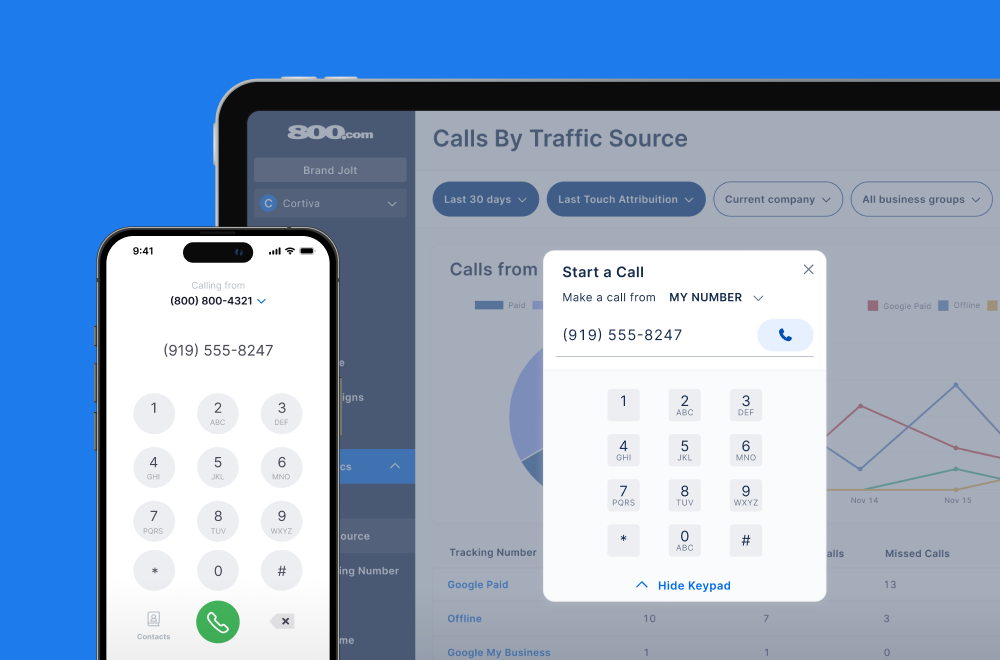
Call Forwarding and VoIP
Make and receive calls from anywhere with our cloud-based phone system.

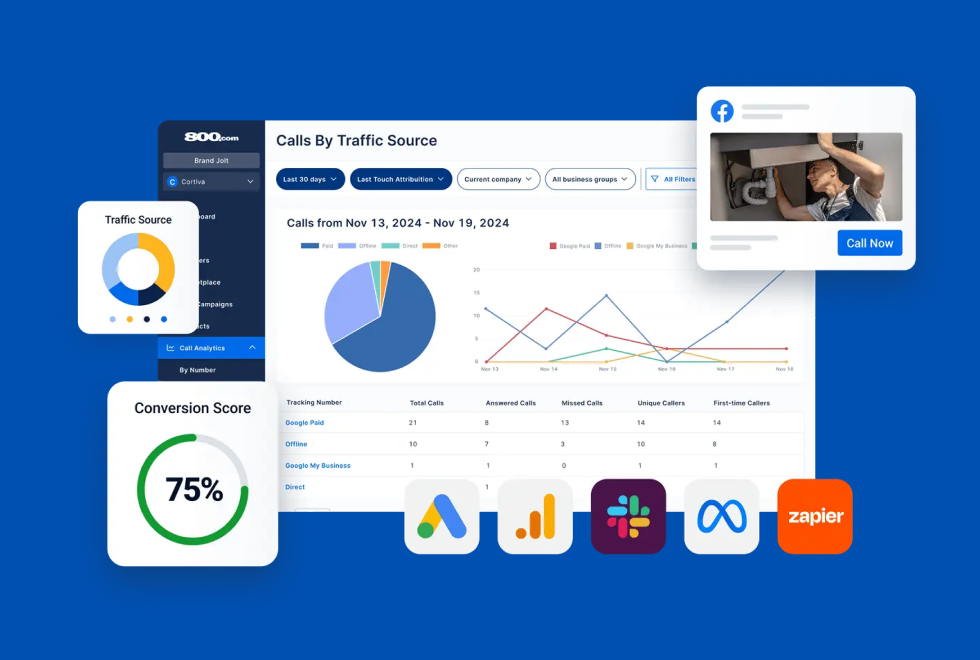
Call Tracking
Track, analyze, and optimize every call to understand what drives results.
Call Forwarding and VoIP
Make and receive calls from anywhere with our cloud-based phone system.
Call Tracking
Track, analyze, and optimize every call to understand what drives results.

AI Agents
Automate customer interactions with AI-powered virtual assistants.

800 Intelligence™
Turn every call into summaries, scores, and AI-recommended follow-ups.

Enhanced Caller ID
Know who is calling as your business phone is ringing.
By Industry

Track inbound calls as conversion events in GA4 and see how web visitors become phone leads
Google Analytics 4 is Google's event-based platform for tracking user behavior across websites and apps. Unlike Universal Analytics, GA4 focuses on understanding actions — like clicks, form submissions, or purchases — as events, offering greater flexibility for modern conversion paths. With phone calls still driving meaningful sales activity, 800.com bridges the gap between digital sessions and offline conversations.
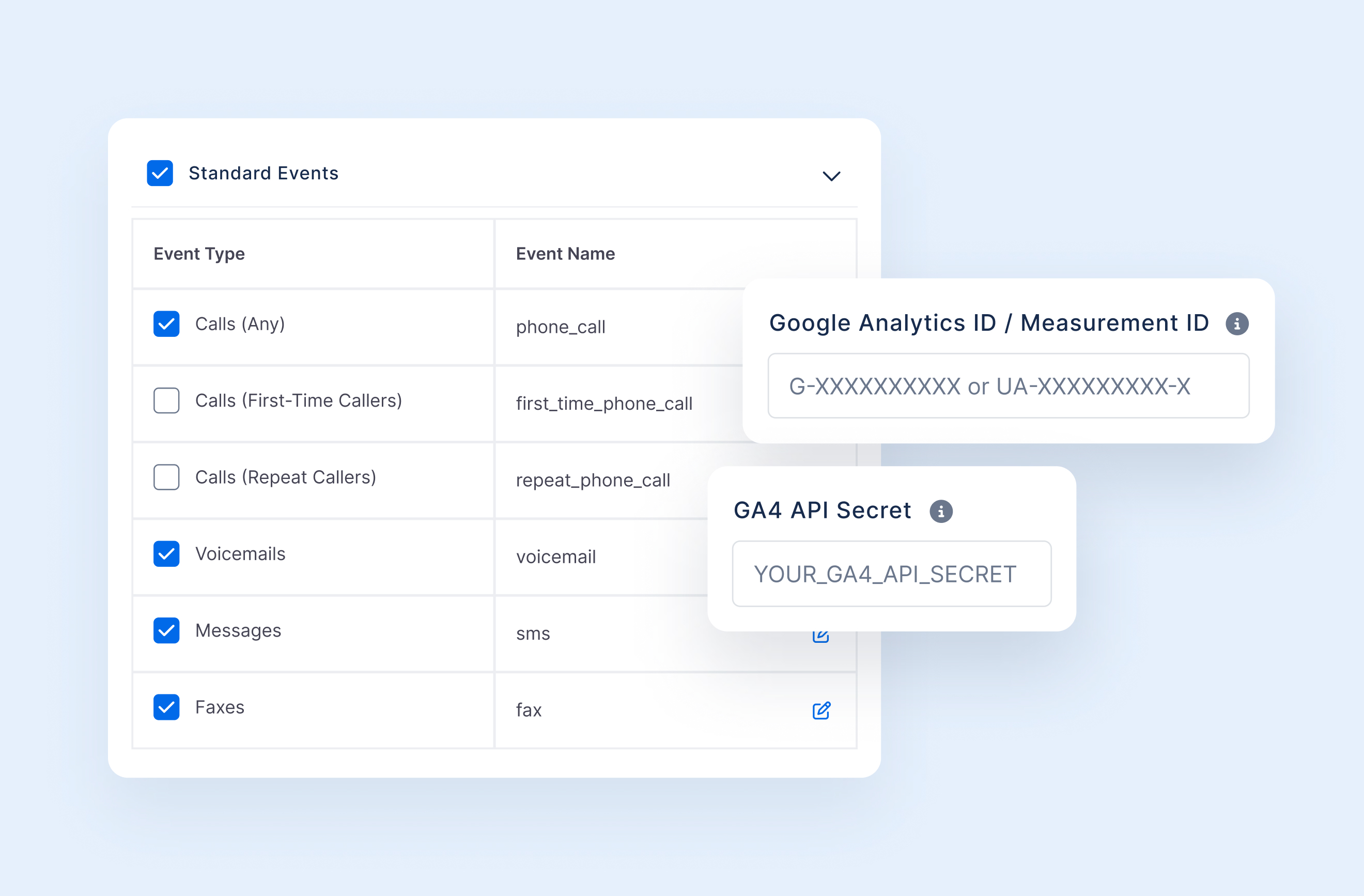
The 800.com integration with Google Analytics 4 allows your team to track inbound phone calls as real-time events within your GA4 property. Every call, whether connected, missed, or sent to voicemail, is recorded as a structured event that includes metadata such as source, campaign, duration, and the number dialed. This integration enables you to understand how web sessions, landing pages, and traffic sources contribute to offline conversions. With call data flowing directly into GA4, you can view phone activity alongside other user interactions, measure the full path to conversion, build audiences based on call engagement, and include calls as measurable steps within your marketing funnels.
1. Log into your 800.com account and go to Settings
2. Navigate to the Integrations section
3. Find GA4 in the Integrations Library
4. Follow the steps for setting up the GA4 Integration, you'll need to find your Google Analytics ID and GA4 API Secret to connect properly
5. Click Activate


Find the perfect local, toll free, or vanity business number