Features

Call Forwarding
Route calls to any device, anywhere, ensuring you never miss an opportunity.

SMS Marketing
Send personalized texts, automate campaigns, and engage customers.

Call Analytics
Track, analyze, and optimize every call to understand what drives results.

Desktop & Mobile App
Make and receive calls from anywhere with our cloud-based phone system.
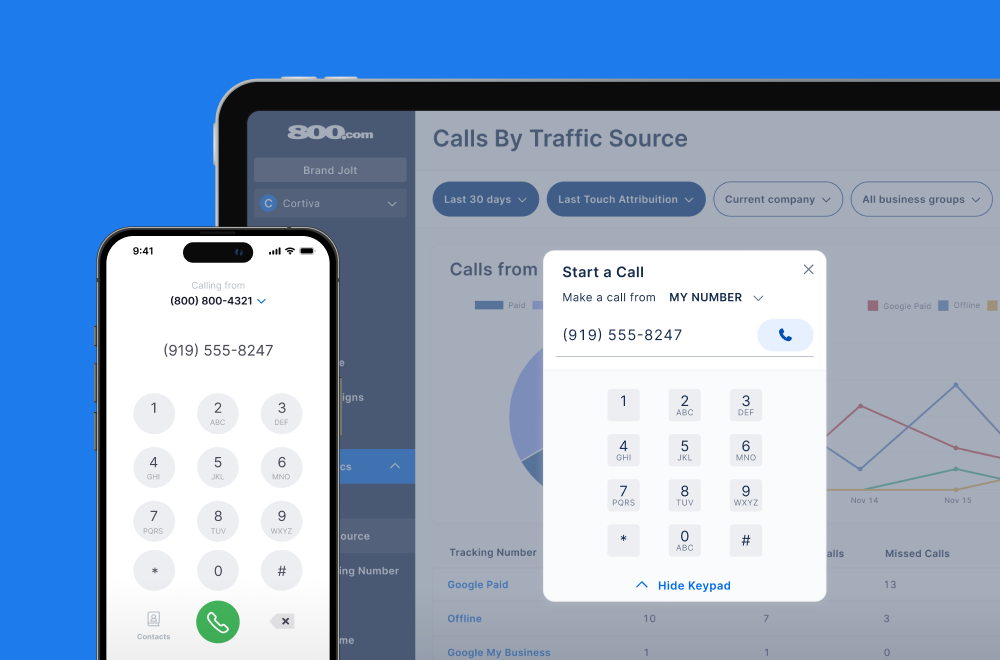
Call Forwarding and VoIP
Make and receive calls from anywhere with our cloud-based phone system.

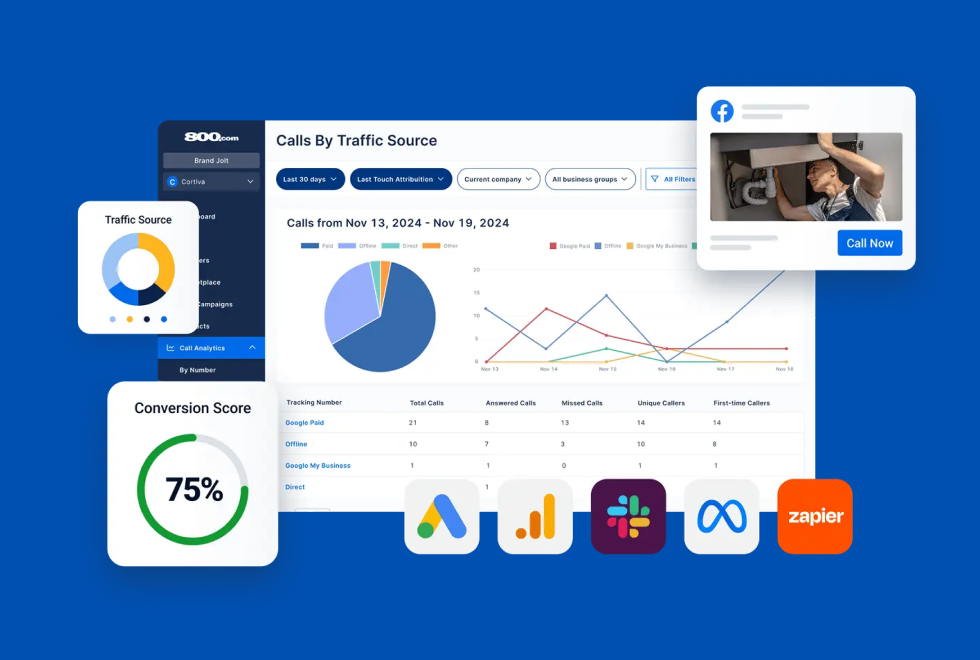
Call Tracking
Track, analyze, and optimize every call to understand what drives results.
Call Forwarding and VoIP
Make and receive calls from anywhere with our cloud-based phone system.
Call Tracking
Track, analyze, and optimize every call to understand what drives results.

AI Agents
Automate customer interactions with AI-powered virtual assistants.

800 Intelligence™
Turn every call into summaries, scores, and AI-recommended follow-ups.

Enhanced Caller ID
Know who is calling as your business phone is ringing.
By Industry
Enhance call tracking by modifying Microsoft Ads tracking templates, capturing detailed data such as keywords and campaign IDs
Microsoft Ads is a pay-per-click advertising platform used to run ads across Bing, Microsoft Edge, and its partner networks. It functions similarly to Google Ads but often reaches a different audience at a lower cost per click.
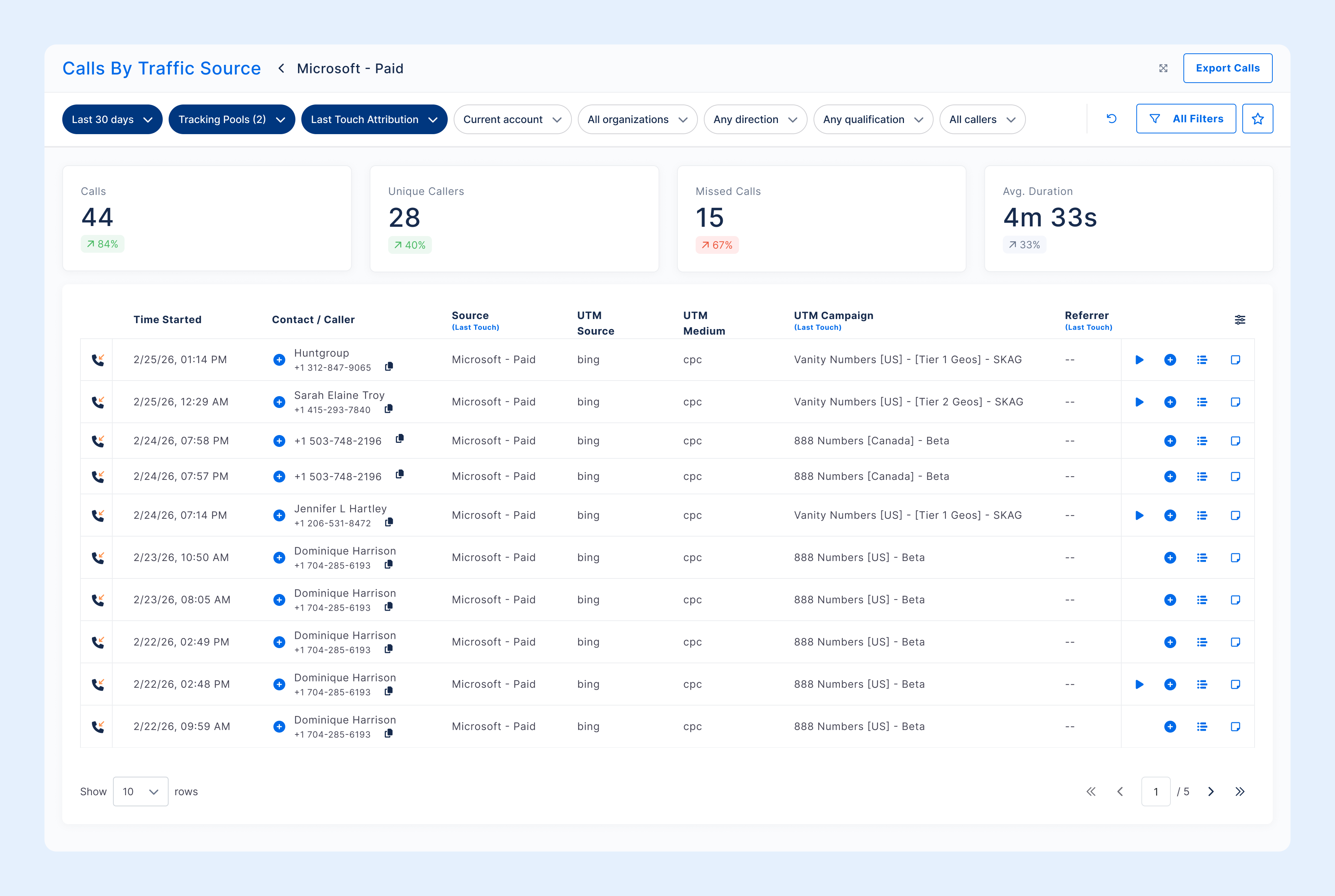
800.com integrates with Microsoft Ads by capturing tracking parameters through ad URLs. This lets you link incoming calls back to specific ads, keywords, and campaigns to measure performance and make data-driven adjustments.
1. Navigate to Settings → Integrations
2. Select Microsoft Ads from the Integrations Library
3. Click Sign in to Microsoft and complete authorization
4. On the Integration Configuration page, select your Microsoft Ads account
5. Configure conversion goals and enhanced conversions if needed
6. Click Activate Integration
7. Use Verify to confirm the connection


Find the perfect local, toll free, or vanity business number