Features

Call Forwarding
Route calls to any device, anywhere, ensuring you never miss an opportunity.

SMS Marketing
Send personalized texts, automate campaigns, and engage customers.

Call Analytics
Track, analyze, and optimize every call to understand what drives results.

Desktop & Mobile App
Make and receive calls from anywhere with our cloud-based phone system.
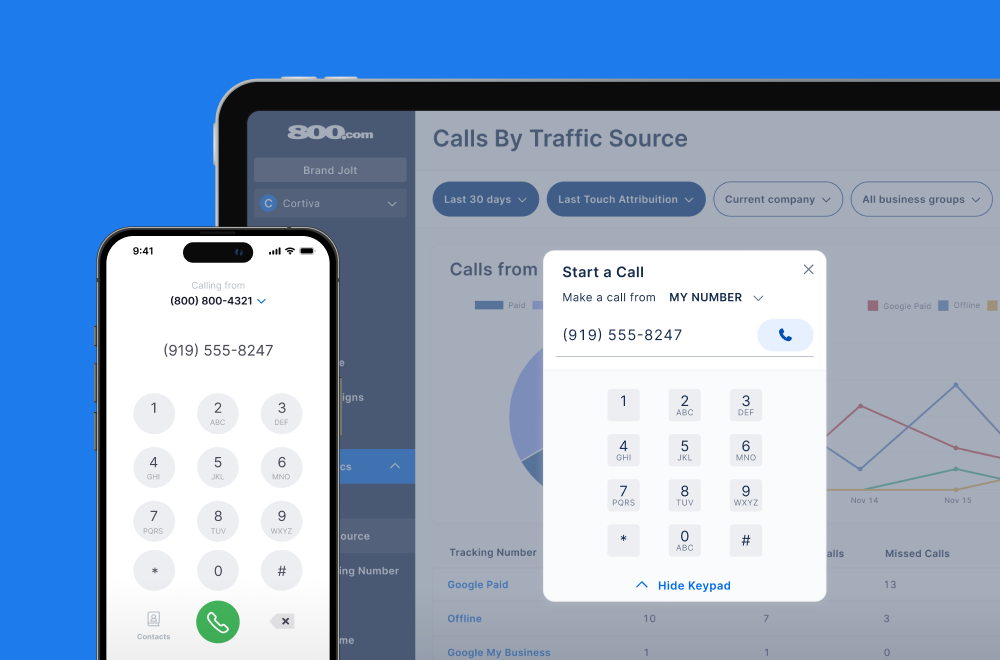
Call Forwarding and VoIP
Make and receive calls from anywhere with our cloud-based phone system.

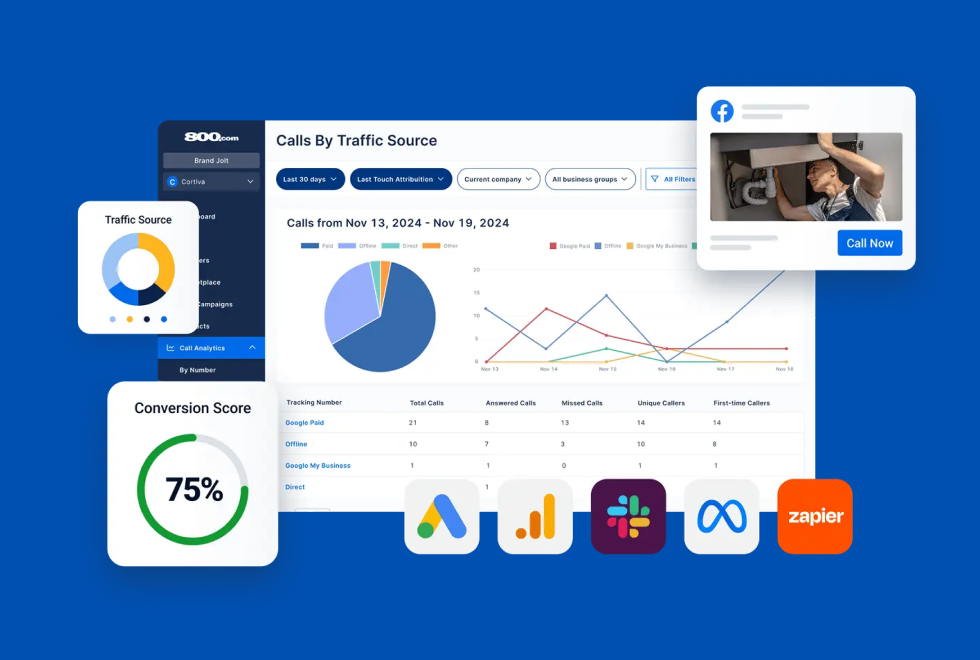
Call Tracking
Track, analyze, and optimize every call to understand what drives results.
Call Forwarding and VoIP
Make and receive calls from anywhere with our cloud-based phone system.
Call Tracking
Track, analyze, and optimize every call to understand what drives results.

AI Agents
Automate customer interactions with AI-powered virtual assistants.

800 Intelligence™
Turn every call into summaries, scores, and AI-recommended follow-ups.

Enhanced Caller ID
Know who is calling as your business phone is ringing.
By Industry

Push every call into Zoho CRM automatically, with the caller’s details, call source, and duration attached to the right record
Zoho CRM is a cloud-based customer relationship platform used to manage leads, contacts, deals, and support activity in one place. It’s known for deep customization — custom modules, custom fields, and workflow rules that fire on almost any event. Connecting 800.com to Zoho CRM extends all of that to the phone, so the calls driving your pipeline are logged as CRM activity instead of living in a separate dashboard.
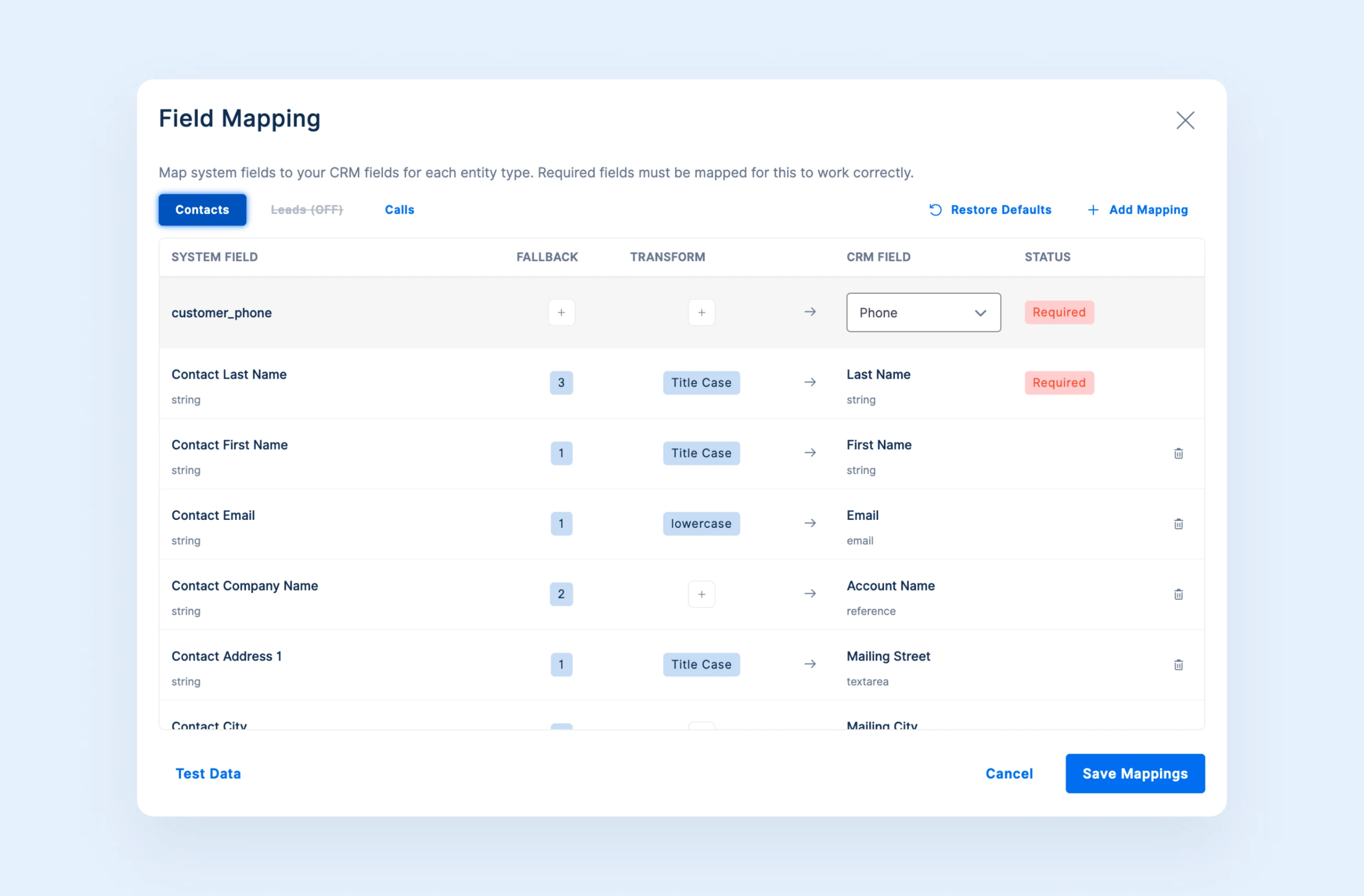
The Zoho CRM integration logs call activity from 800.com into your Zoho records automatically. Calls create a new Lead or Contact when the number isn’t recognized, or attach to the record that already exists — with configurable field mapping, upload triggers, and duration filters so only the calls you care about reach your CRM. Because everything arrives as standard Zoho activity, your existing workflow and assignment rules act on call-generated leads the same way they do on form fills.
1. Go to Settings → Integrations in 800.com
2. Select Zoho CRM from the Integrations Library
3. Connect Zoho CRM
4. Configure your sync and field mapping
5. Activate the integration
6. Confirm calls appear in Zoho CRM


Find the perfect local, toll free, or vanity business number