Features

Call Forwarding
Route calls to any device, anywhere, ensuring you never miss an opportunity.

SMS Marketing
Send personalized texts, automate campaigns, and engage customers.

Call Analytics
Track, analyze, and optimize every call to understand what drives results.

Desktop & Mobile App
Make and receive calls from anywhere with our cloud-based phone system.
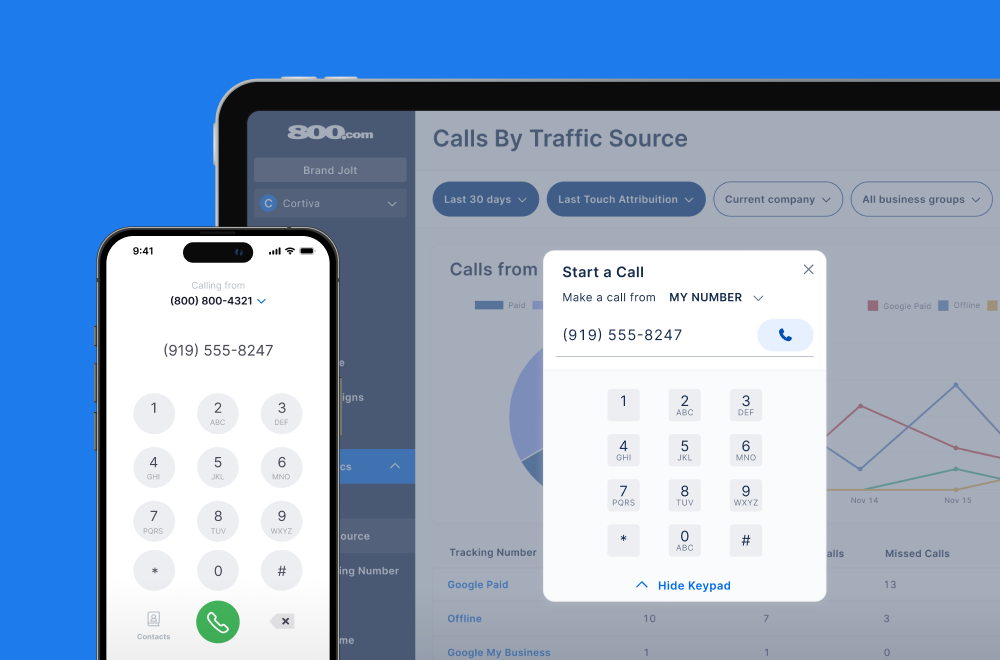
Call Forwarding and VoIP
Make and receive calls from anywhere with our cloud-based phone system.

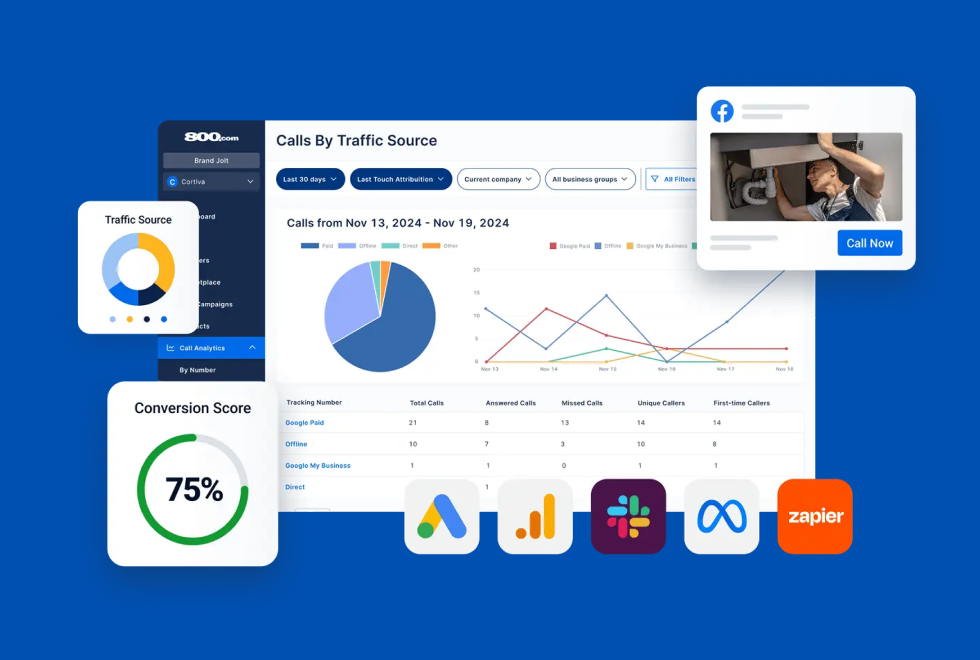
Call Tracking
Track, analyze, and optimize every call to understand what drives results.
Call Forwarding and VoIP
Make and receive calls from anywhere with our cloud-based phone system.
Call Tracking
Track, analyze, and optimize every call to understand what drives results.

AI Agents
Automate customer interactions with AI-powered virtual assistants.

800 Intelligence™
Turn every call into summaries, scores, and AI-recommended follow-ups.

Enhanced Caller ID
Know who is calling as your business phone is ringing.
By Industry

Get real-time Slack alerts for calls, voicemails, and messages so your team never misses a lead
Slack is a team messaging platform that centralizes communication through organized channels, searchable history, and integrations. With real-time alerts and cross-device accessibility, Slack helps teams respond quickly, stay aligned, and automate internal handoffs. By connecting 800.com with Slack, your business can receive call-related alerts the moment they happen, reducing response times and improving lead capture outcomes.
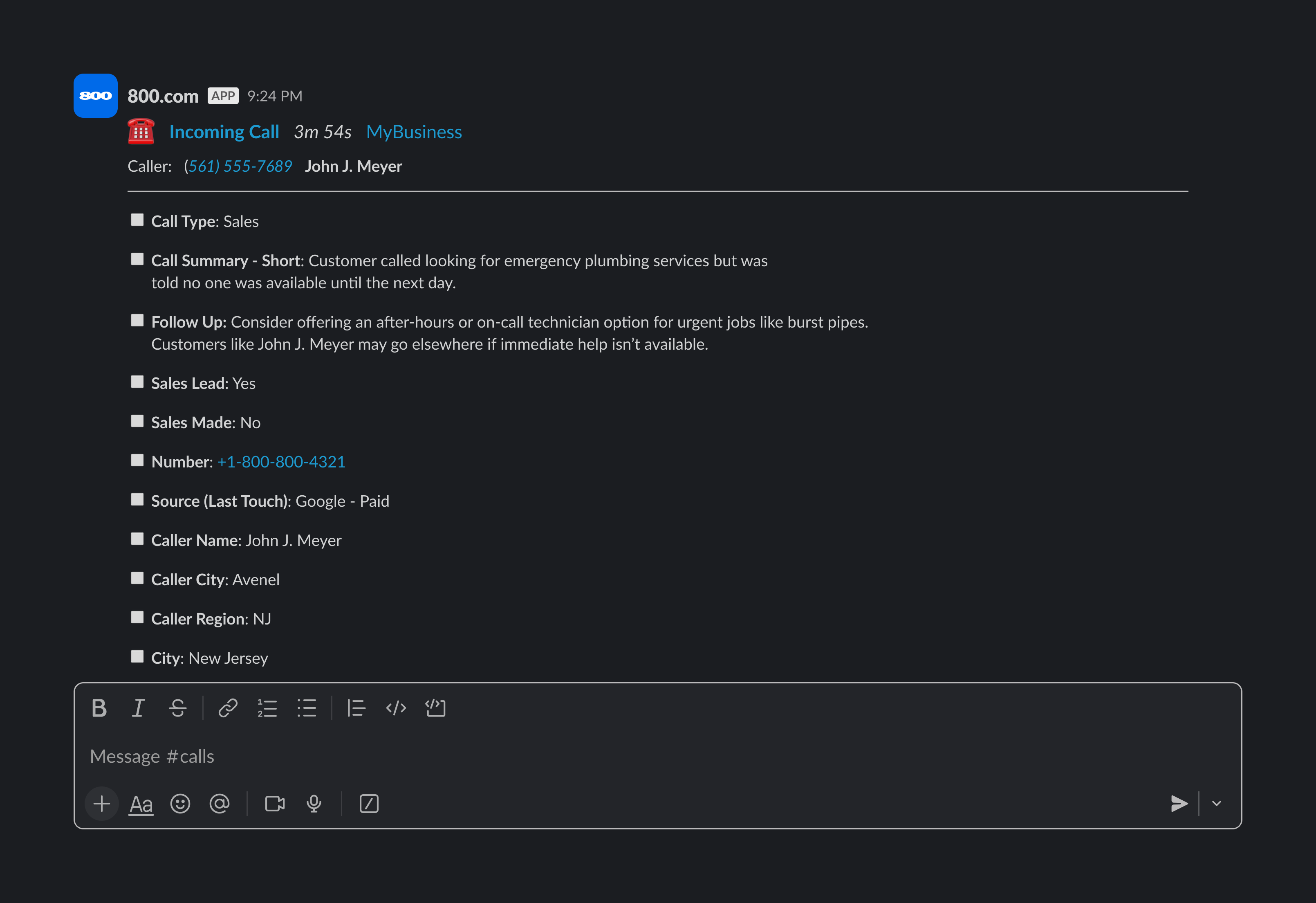
The Slack integration with 800.com keeps your team connected to call activity as it happens. You can send instant alerts to specific Slack channels whenever a call is received, missed, tagged, or goes to voicemail. Teams can also receive summary messages that highlight trends — like which numbers are getting the most calls or which campaigns have the highest conversion rates. This helps sales, support, and operations teams stay aware of lead activity without needing to log in to a dashboard. For businesses managing multiple numbers or clients, alerts can be routed to different channels to maintain clarity and accountability.
1. Enable Slack in 800.com
2. Configure notification settings
3. Test and refine


Find the perfect local, toll free, or vanity business number