Features

Call Forwarding
Route calls to any device, anywhere, ensuring you never miss an opportunity.

SMS Marketing
Send personalized texts, automate campaigns, and engage customers.

Call Analytics
Track, analyze, and optimize every call to understand what drives results.

Desktop & Mobile App
Make and receive calls from anywhere with our cloud-based phone system.
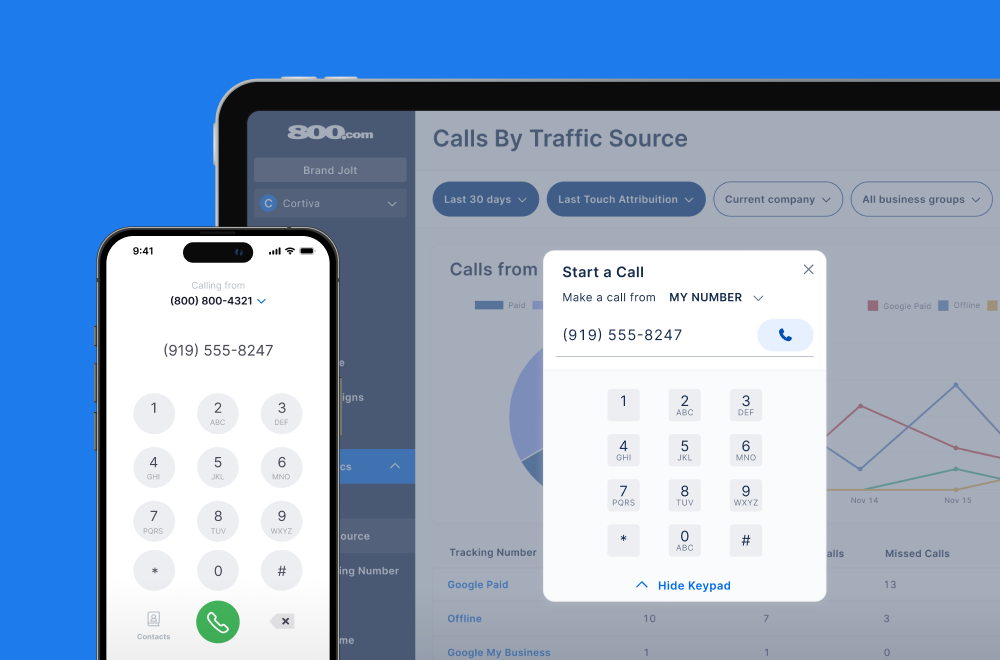
Call Forwarding and VoIP
Make and receive calls from anywhere with our cloud-based phone system.

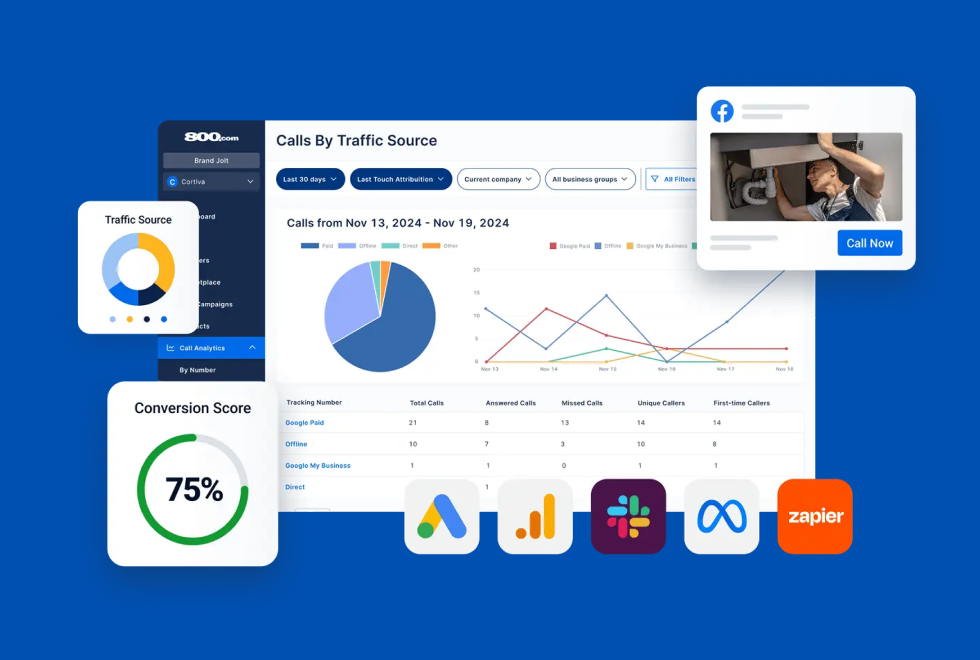
Call Tracking
Track, analyze, and optimize every call to understand what drives results.
Call Forwarding and VoIP
Make and receive calls from anywhere with our cloud-based phone system.
Call Tracking
Track, analyze, and optimize every call to understand what drives results.

AI Agents
Automate customer interactions with AI-powered virtual assistants.

800 Intelligence™
Turn every call into summaries, scores, and AI-recommended follow-ups.

Enhanced Caller ID
Know who is calling as your business phone is ringing.
By Industry

Use your Calendly with 800 AI Agents and book appointments while you’re on the job or off the clock.
Calendly is a scheduling tool that lets people book time based on your real availability, with rules for event length, notice periods, and how many meetings you’ll take in a day. Most teams already have those rules dialed in for web and email bookings. Connecting Calendly to 800.com applies the same rules to inbound phone calls, with your 800 AI Agent doing the booking.
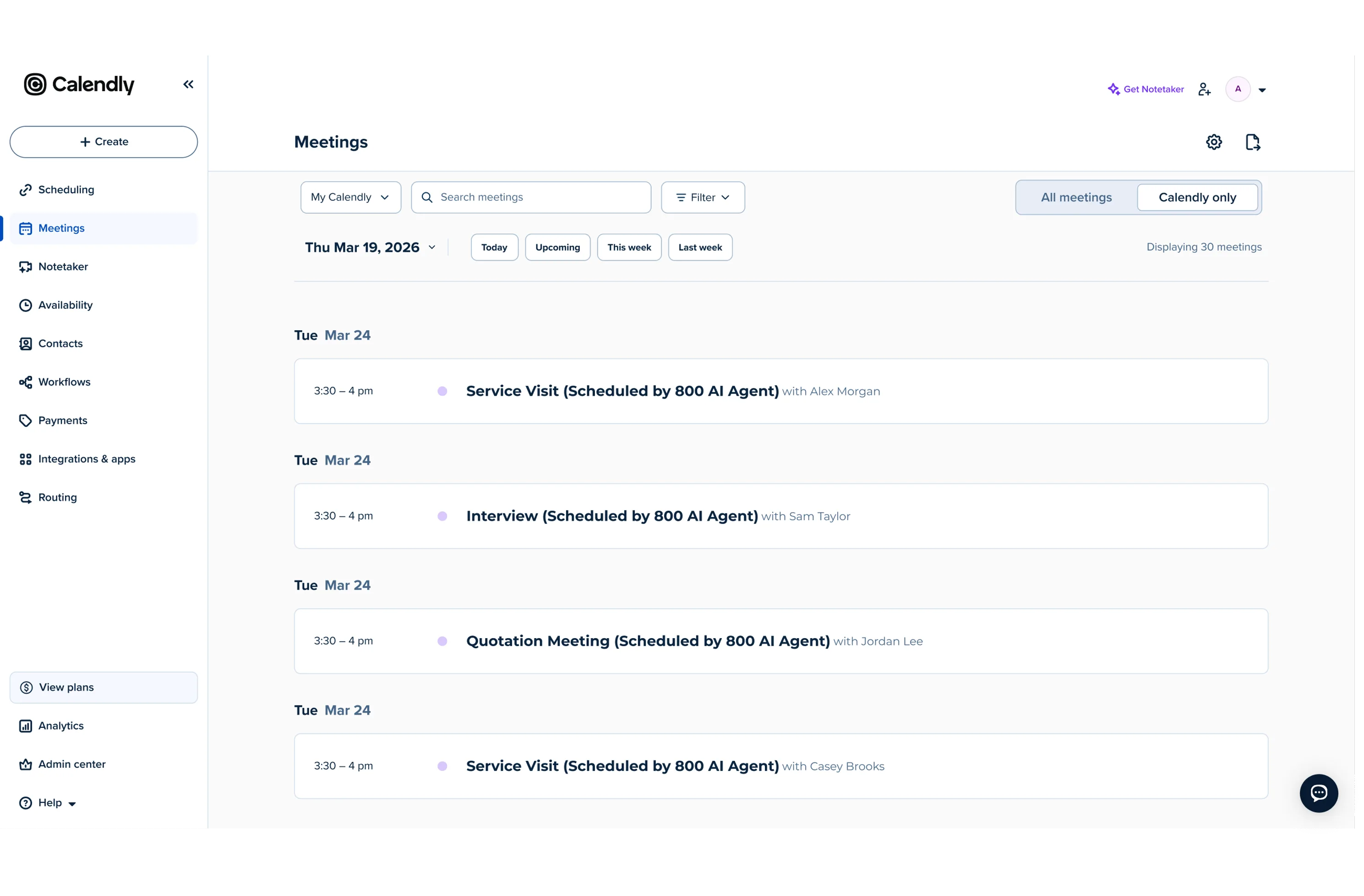
You’ve already made your scheduling decisions in Calendly — appointment length, notice period, daily limits, who gets assigned. This integration means you don’t rebuild any of it for the phone: your 800 AI Agent works against your Calendly availability and books the caller while they’re still on the line. Calendly then does what it always does, sending the confirmation, the reminders, and the reschedule link, so a caller gets the same experience as someone who booked from your website.
1. Go to Settings → Integrations in 800.com
2. Select Calendly from the Integrations Library
3. Connect to your Calendly account
4. Choose your event type and booking rules
5. Activate the integration
6. Test a call with your AI Agent and book an appointment to confirm


Find the perfect local, toll free, or vanity business number