Features

Call Forwarding
Route calls to any device, anywhere, ensuring you never miss an opportunity.

SMS Marketing
Send personalized texts, automate campaigns, and engage customers.

Call Analytics
Track, analyze, and optimize every call to understand what drives results.

Desktop & Mobile App
Make and receive calls from anywhere with our cloud-based phone system.
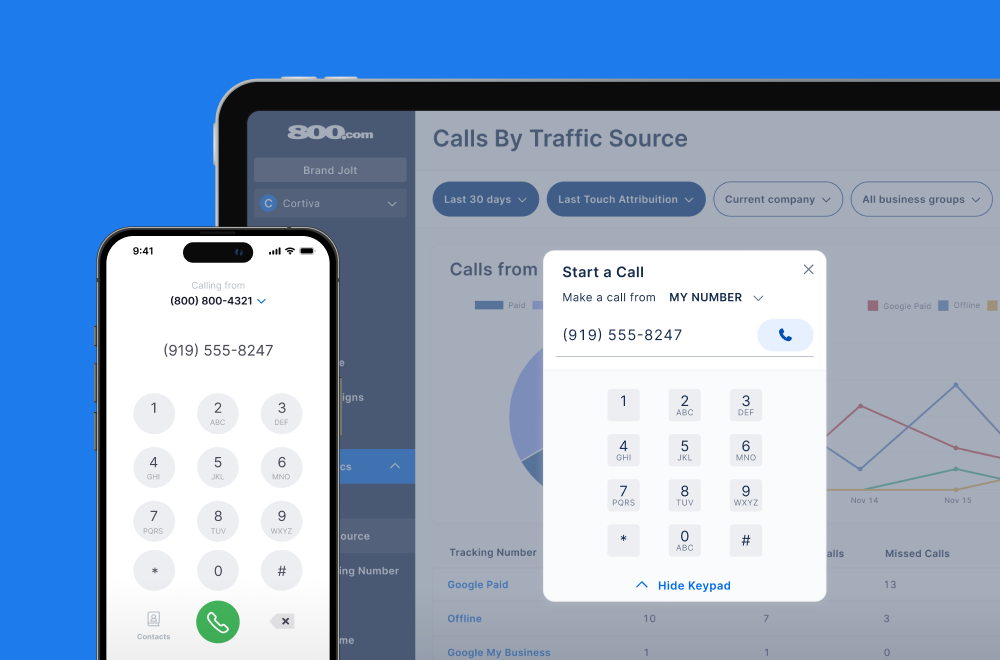
Call Forwarding and VoIP
Make and receive calls from anywhere with our cloud-based phone system.

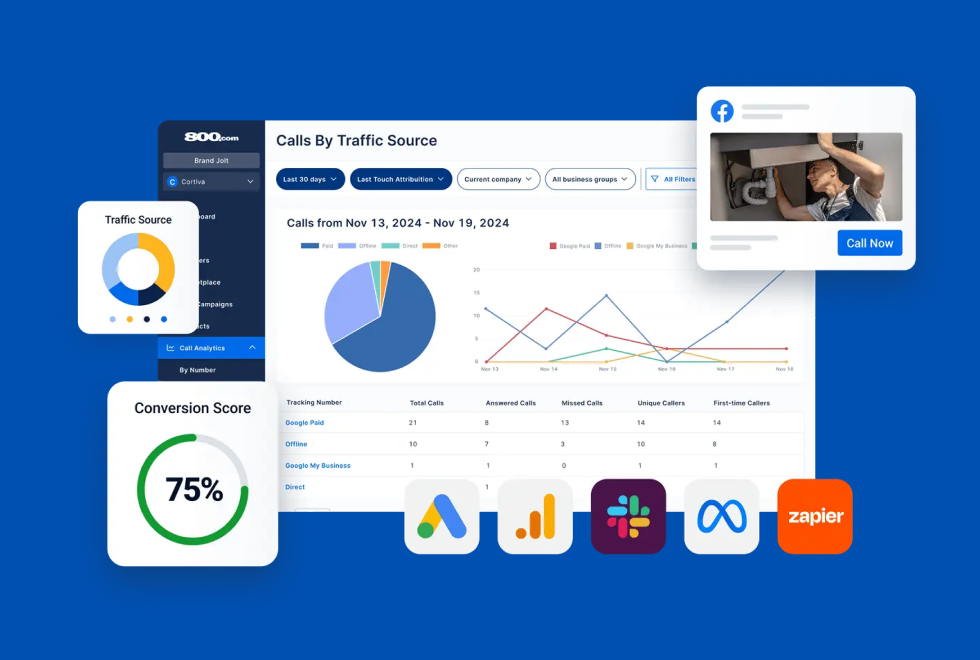
Call Tracking
Track, analyze, and optimize every call to understand what drives results.
Call Forwarding and VoIP
Make and receive calls from anywhere with our cloud-based phone system.
Call Tracking
Track, analyze, and optimize every call to understand what drives results.

AI Agents
Automate customer interactions with AI-powered virtual assistants.

800 Intelligence™
Turn every call into summaries, scores, and AI-recommended follow-ups.

Enhanced Caller ID
Know who is calling as your business phone is ringing.
By Industry

Connect your Microsoft 365 calendar so your 800 AI Agent can book appointments in Outlook
Outlook Calendar is part of Microsoft 365 and is the default calendar for most organizations running on Microsoft’s stack — shared calendars, Teams meetings, and company-wide scheduling all live there. Connecting it to 800.com lets your 800 AI Agent work inside that same calendar, booking callers into real open time instead of routing them to voicemail.
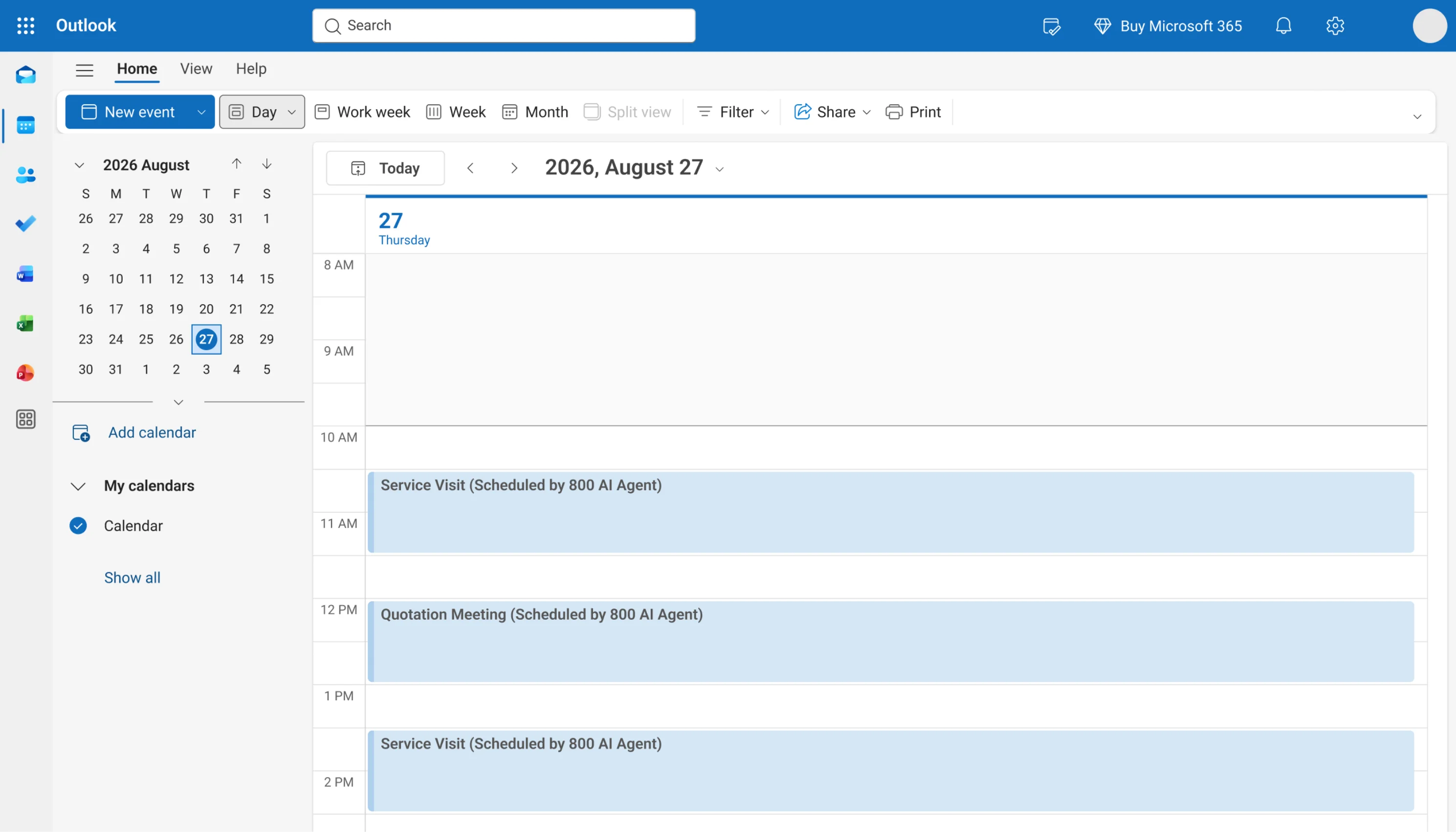
For teams standardized on Microsoft 365, this integration puts phone bookings where the rest of the company already looks. Your 800 AI Agent reads availability from the Outlook calendar you select, offers callers slots that are genuinely free, and writes the appointment to that calendar the moment they confirm. Everything it creates is a standard Outlook event, so it syncs to every device your team already has, appears in shared calendar views, and respects the business hours and buffer rules you set.
1. Go to Settings → Integrations in 800.com
2. Select Outlook Calendars from the Integrations Library
3. Log in to your Microsoft Outlook Account
4. Select your calendar for appointments
5. Activate the integration
6. Test a call with your AI Agent and book an appointment to confirm


Find the perfect local, toll free, or vanity business number