

Is your call process still manual? Many teams waste time replaying recordings, typing notes, and chasing follow-ups. 800 Intelligence changes all of that. It is a suite of AI features in 800.com that turns conversations into clear summaries, consistent scores, and ready-to-go next steps so work moves faster and fewer opportunities slip.
Feature list at a glance
- AI call summaries with conversation insights
- Call scoring aligned to your standards with prompt customization
- Recommended next step after every conversation
- Custom AI fields you can create to capture what matters
- Ask AI chatbot on the call record for quick answers without playback
Understand every conversation in seconds

Your team gets a concise overview right after the call. The summary reads like the notes you wish you had time to write and includes what the caller wanted, what was discussed, objections, and commitments. Conversation insights add structured highlights for topics and key moments so the full story is clear at a glance.
This means anyone can get up to speed fast without replaying audio. Reviews are quicker, handoffs are cleaner, and no one has to guess what happened.
What it does: Creates a call summary and captures conversation insights in seconds.
Why it matters: Saves time across the team and reduces missed details.
Coach better with consistent scoring

Scoring gives managers an objective read on each conversation, highlighting strengths and gaps. The scorecard points to coachable moments and which calls to review first.
Because it aligns to your team’s standards and prompts can be adjusted, feedback stays specific and repeatable. You can compare calls and track improvement by rep or topic over time.
What it does: Scores every conversation to your standards and surfaces strengths and opportunities to coach.
Why it matters: Shortens review time, makes coaching consistent, and shows progress.
Keep momentum with a ready next step
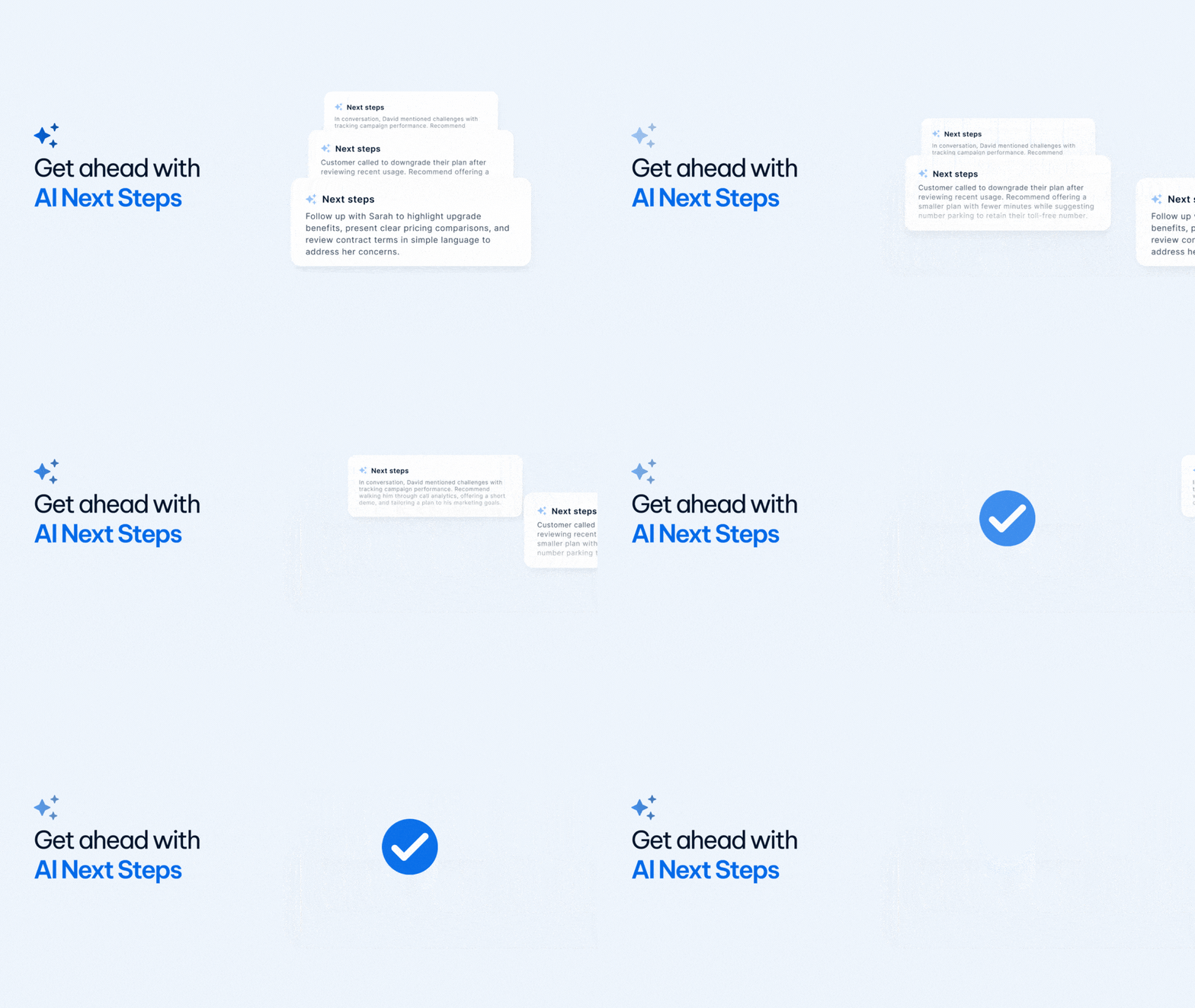
After the conversation, a recommended next step appears so work keeps moving. Typical actions include sending a quote, booking a follow-up, setting a reminder, or confirming details by email.
Standardizing this moment reduces lag between conversation and action. Pipelines stay healthier, customers feel progress, and managers gain confidence that important calls are advancing.
What it does: Suggests the next step based on what happened in the call.
Why it matters: Helps teams act sooner and prevents callers from slipping through the cracks.
Capture the details your process requires

Beyond system fields, you can create custom AI fields that match your sales model or service standards. Define what you want captured and the system will fill those fields automatically after each conversation.
Over time, your records reflect the exact signals that drive your business. Reviews become faster, and coaching focuses on the criteria that matter most to outcomes.
What it does: Lets you create and customize AI fields that are filled automatically.
Why it matters: Aligns records and coaching to the standards your team cares about.
Get answers instantly without playback

Open a call record, ask a plain-language question, and get a direct answer. Common questions include what was agreed, who owns the follow-up, whether a requirement was met, or what changed since the last conversation.
This removes the need to scrub through audio to verify details. Reviews speed up, coaching becomes more specific, and new team members can get up to speed on active conversations in moments.
What it does: Provides an Ask AI chatbot on each call record.
Why it matters: Delivers quick answers without replaying audio.
Who this helps
- Sales teams that want faster reviews, consistent qualification, and clear next steps
- Customer experience teams that need process adherence, quick escalations, and accountable follow-ups
- Agencies and multi-location brands that run shared standards and coach at scale
How it works
- Enable 800 Intelligence for your account.
- Take calls as usual.
- After each call, AI updates summary, score, recommended next step, custom fields, and Ask AI.
- Find everything in the caller Timeline.
AI you can control
You control which numbers use 800 Intelligence and what fields are captured. Access follows your existing user permissions.
Getting started
Activate 800 Intelligence in your dashboard and add any custom fields you need. Record your next call to see summaries, scoring to your standards, and a ready next step appear automatically. If you would like a walkthrough, reach out to our team and we will set you up.